This Is Fifty-Three, days 44 & 45
Uploading PDFs!
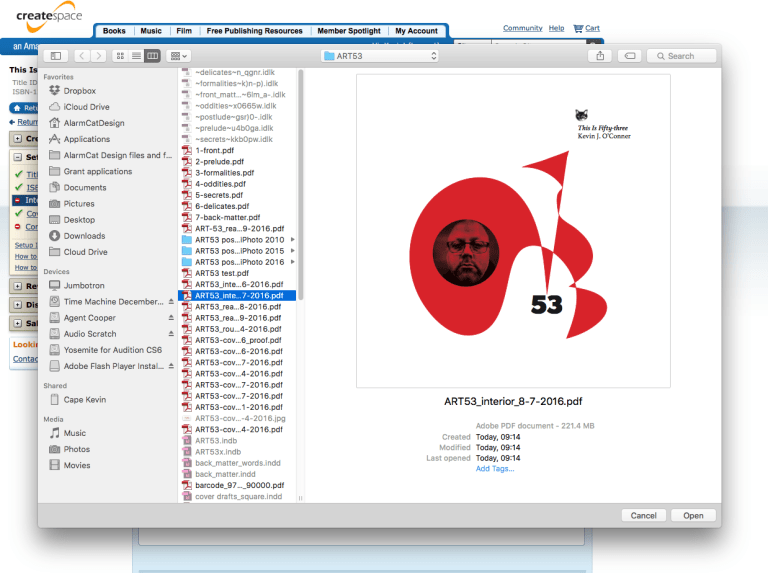
After working out the cover and making a few minor changes, I felt it was time to start uploading files. The larger interior file took longer to upload and process, but went smoothly.


Unfortunately, I quickly ran afoul of CreateSpace’s Interior Reviewer. For starters, my vector files got rendered with insufficient resolution, so I had to go back to Illustrator to re-save those as TIFF or EPS files. I don’t know if that is an Adobe problem or a CreateSpace problem, but it was resolved easily enough.
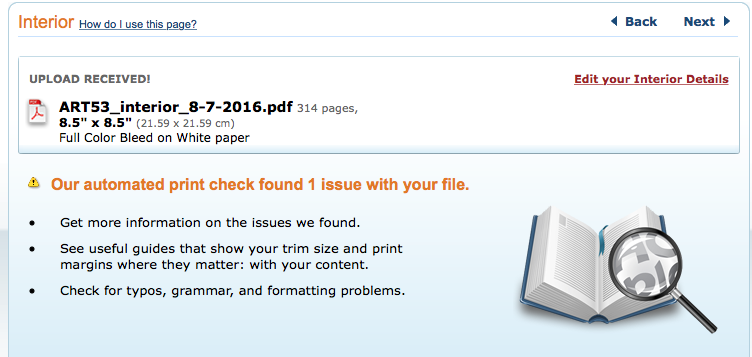
The harder nut to crack has been the ‘insufficient bleed’ warning. Interior Reviewer apparently labels bleeds that do not go far enough either way. I had to move some elements so that they bled farther off the page, and a couple so that they extended farther into the page; delete a couple of elements that got marked as problems regardless of what I did with them; and I am still trying to resolve one spread so that it passes muster while still looking the way it is supposed to.


Here is what I started with for that last, troublesome spread:

Here it is with the grid visible. As you can see, all of the elements that bleed off the page extend well beyond the 1/8″ boundary marked by that red line:
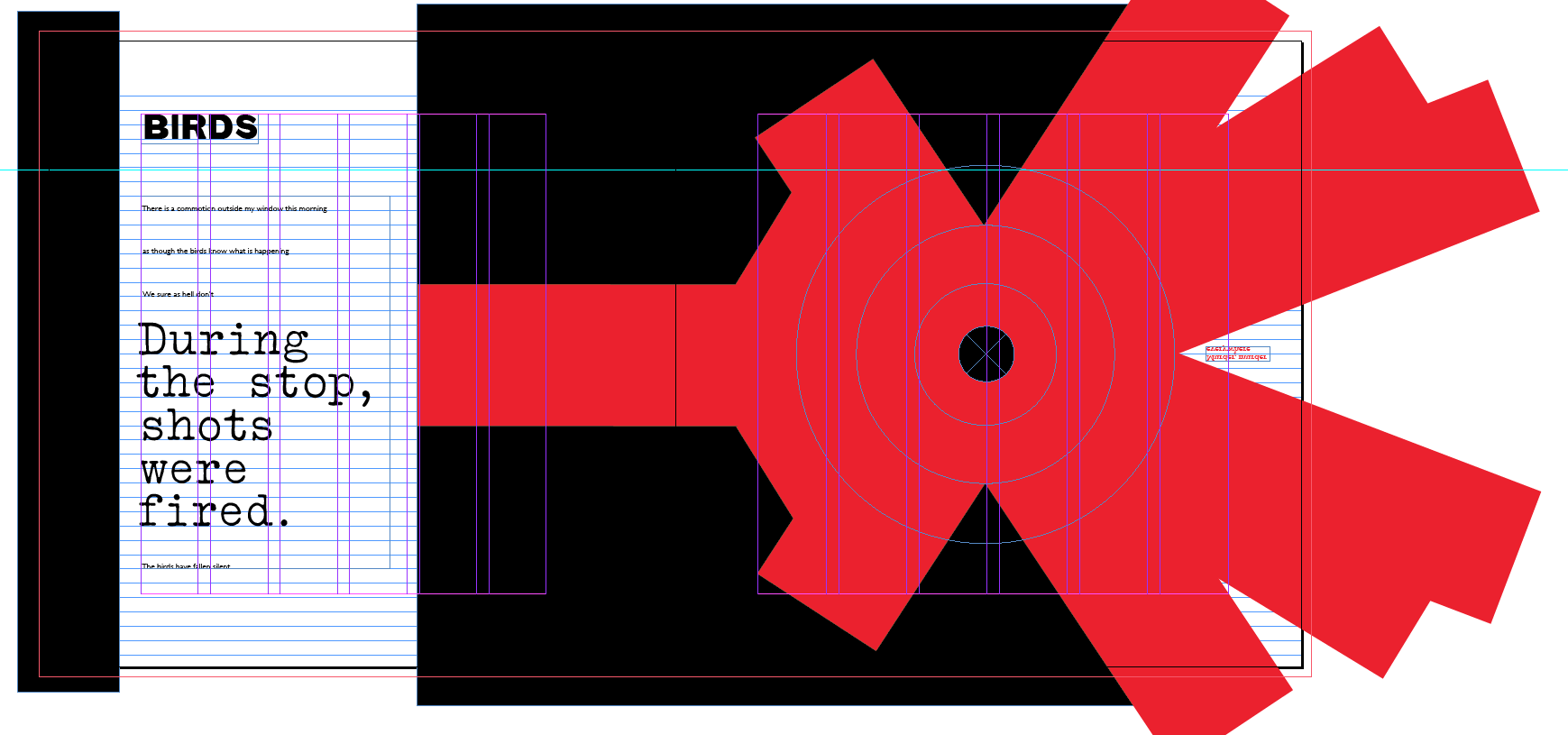
Now I am trying this:

Unfortunately, Interior Reviewer still flags this as a problem. I can try exporting the spread as a JPEG, converting to a TIFF, and placing that as the graphic, but the risk there is that it may not look quite as crisp.
The struggle continues…
(7 August 2016)
Update: Exported as an EPS file. Still triggered the error flag in Interior Reviewer, but I figure I’ll just raise the issue with CreateSpace if it comes up in their review of the files.

 Ordinary Average Thoughts